
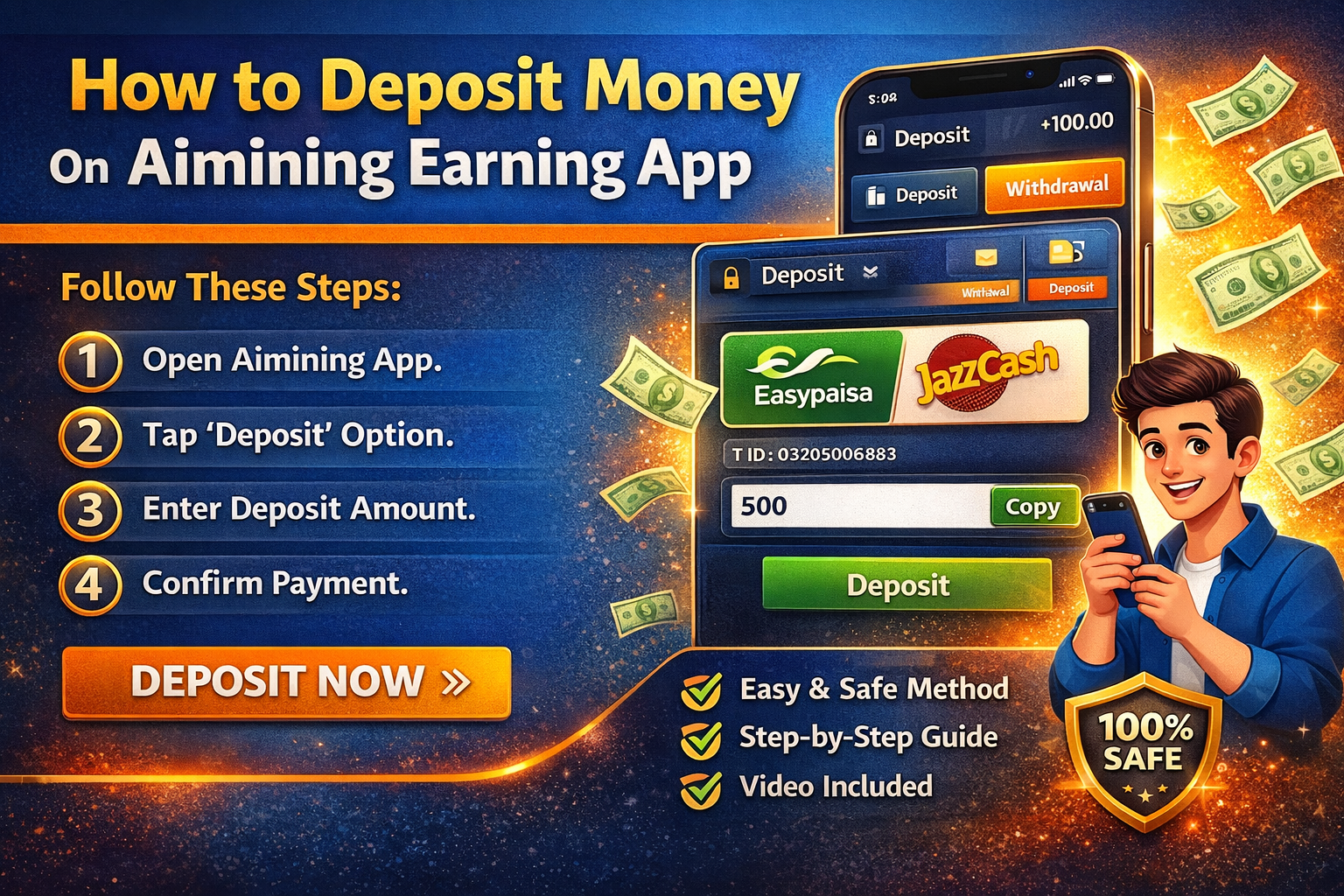
If you are using the Aimining earning app and want to start earning, the first step is to deposit money into your account. In this guide, I will explain everything in a very simple way so you can follow along easily with the screenshots and video provided.
Step 1: Open the Aimining App
First, open the Aimining earning app on your mobile phone. Make sure you are logged into your account.
Step 2: Go to the Deposit Section
Once you are inside the app, look for the “Transfer In” option. Usually, this option is available on the home screen or in the wallet section.
Click on it to continue.
Step 3: Choose Deposit Method
After clicking the deposit option, you will see different payment methods. Select the method that is available for you (such as EasyPaisa, JazzCash, or any other option shown in the app).
Step 4: Enter Deposit Amount
Now, enter the amount you want to deposit. Make sure you enter the correct amount according to your budget.
Step 5: Copy Payment Details
The app will show you payment details like account number or wallet ID. Copy these details carefully.
Step 6: Send Payment
Go to your payment app (like EasyPaisa or JazzCash) and send the money to the provided account details.
Make sure:
- You send the exact amount
- You do not make any mistake in the account number
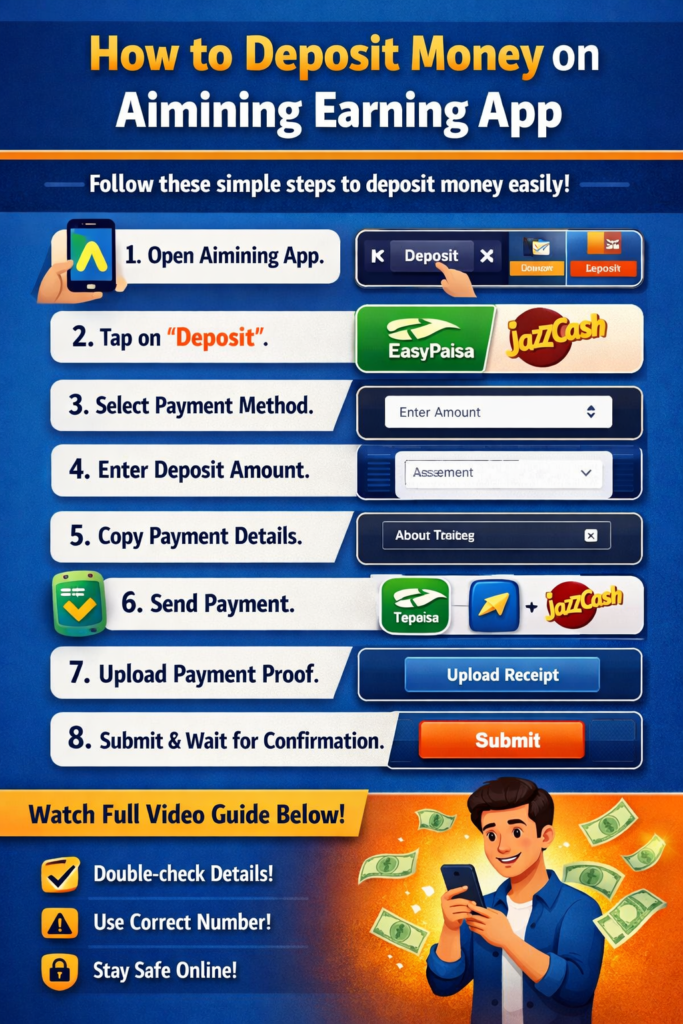
Step 7: Upload Payment Proof
After sending the payment, come back to the Aimining app and upload the payment screenshot as proof.
Step 8: Submit and Wait for Confirmation
Click on the submit button. Your deposit will be reviewed, and after verification, the amount will be added to your account.
Watch Full Video Guide
For better understanding, watch the video below where all steps are explained clearly.
Watch Full Video Guide
Important Tips
- Always double-check payment details before sending money
- Do not share your account information with anyone
- Contact support if your deposit is delayed